Press kit
Out now on the App Store
Download on the App Store Free, with an optional Pro
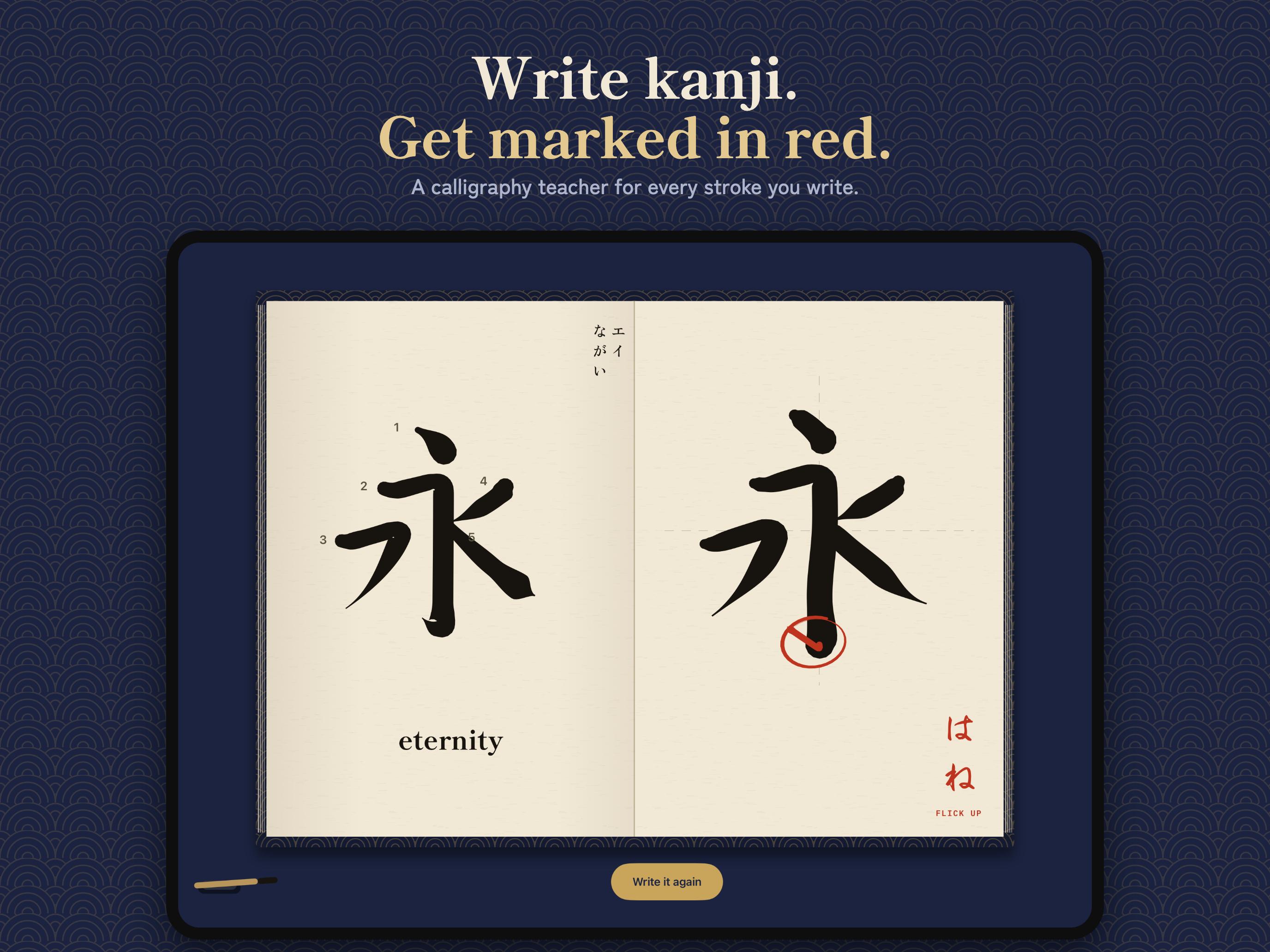
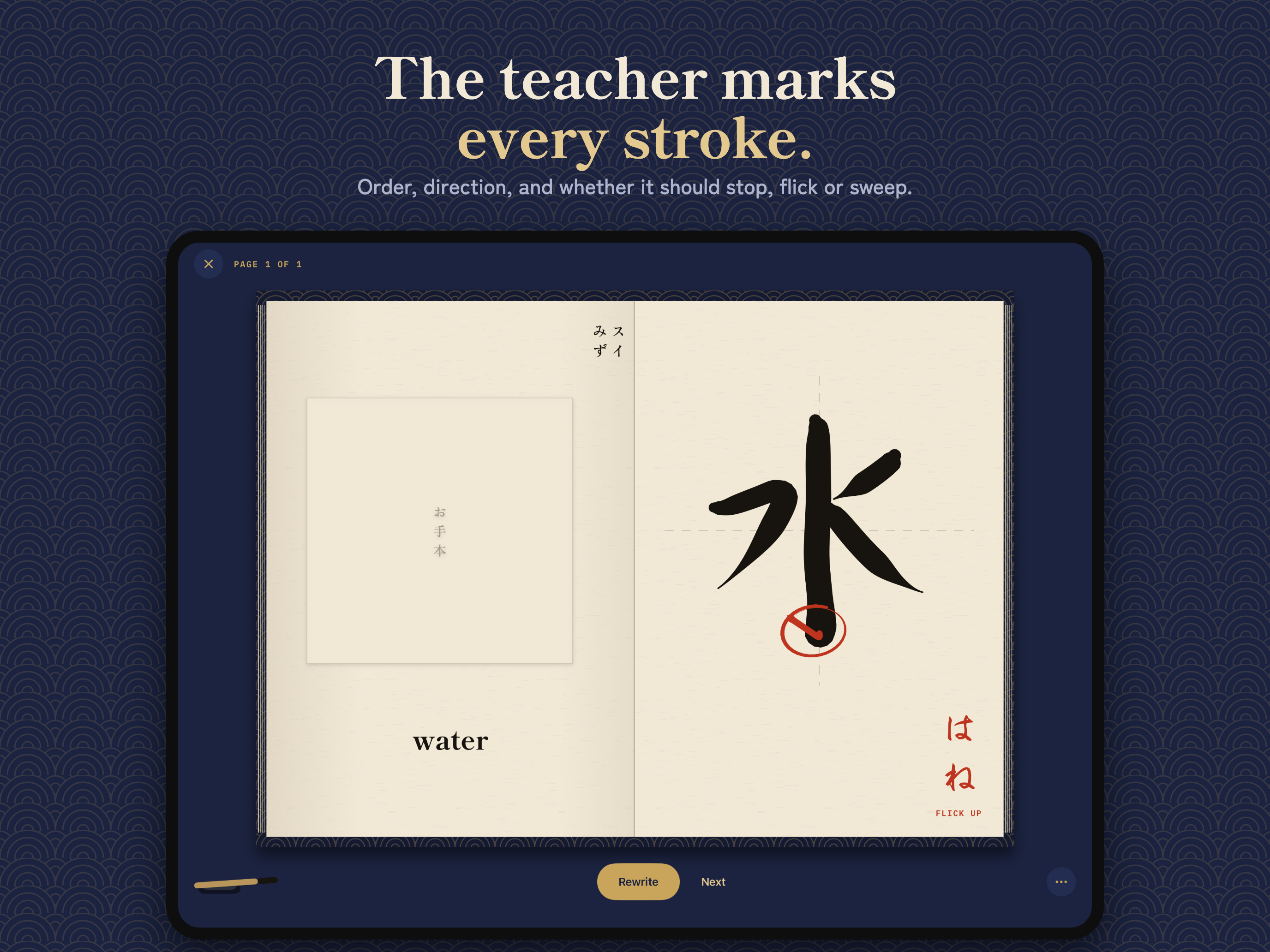
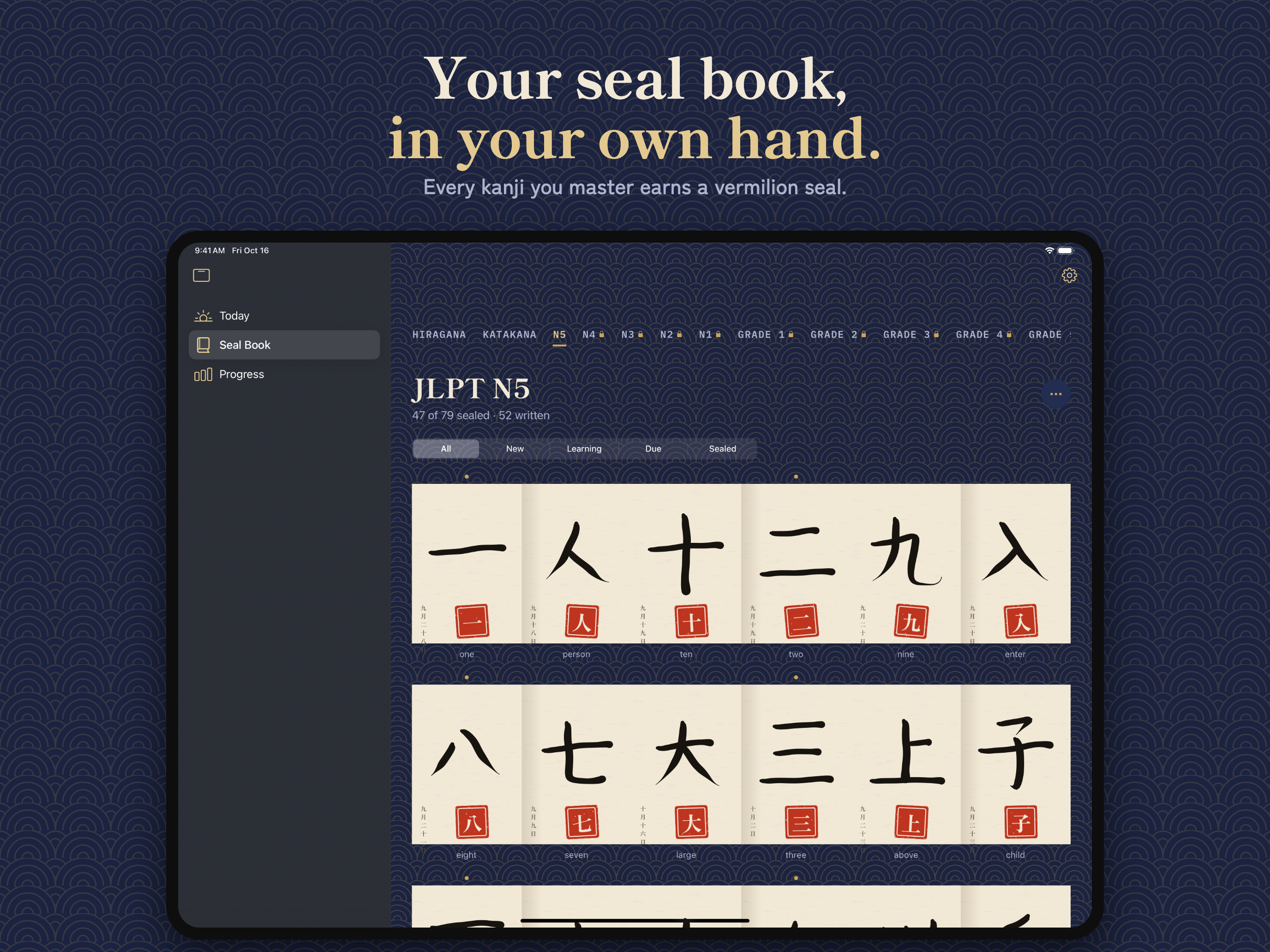
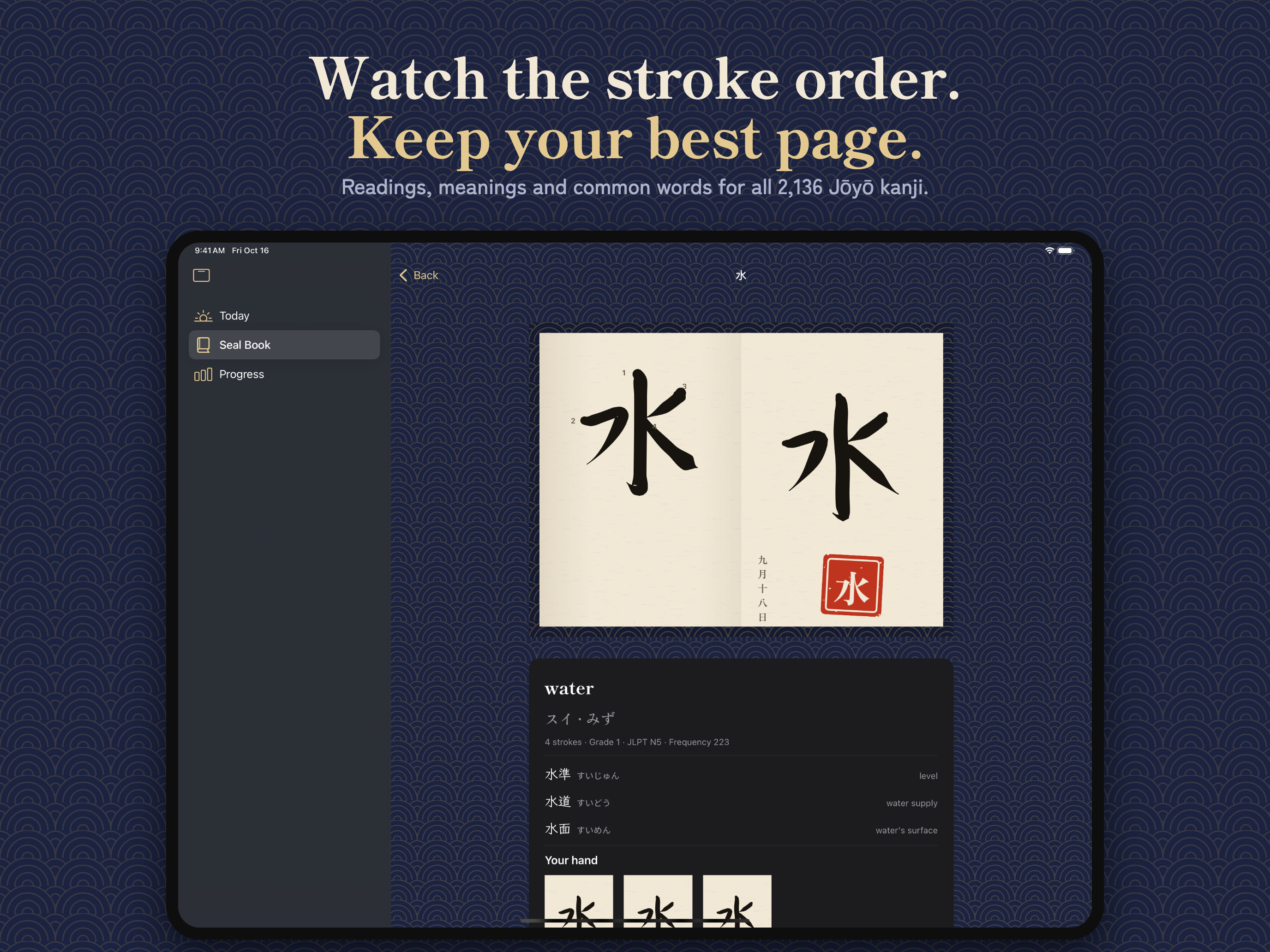
Shu is a kanji writing trainer for iPad and Apple Pencil. You write each character in an ink that behaves like sumi on paper, and when you lift the Pencil a teacher marks the page in vermilion, the way a Japanese calligraphy teacher marks a practice sheet: a ring round the stroke that stopped where it should have flicked, the flick you should have made, one word in the margin. Then you write it again, right. Every kanji you master earns a vermilion seal in your seal book.
What it marks: stroke order, direction, shape against the form taught in Japanese schools, and how every stroke ends (tome, hane and harai: stop, flick and sweep), read from the Pencil's pressure and speed.
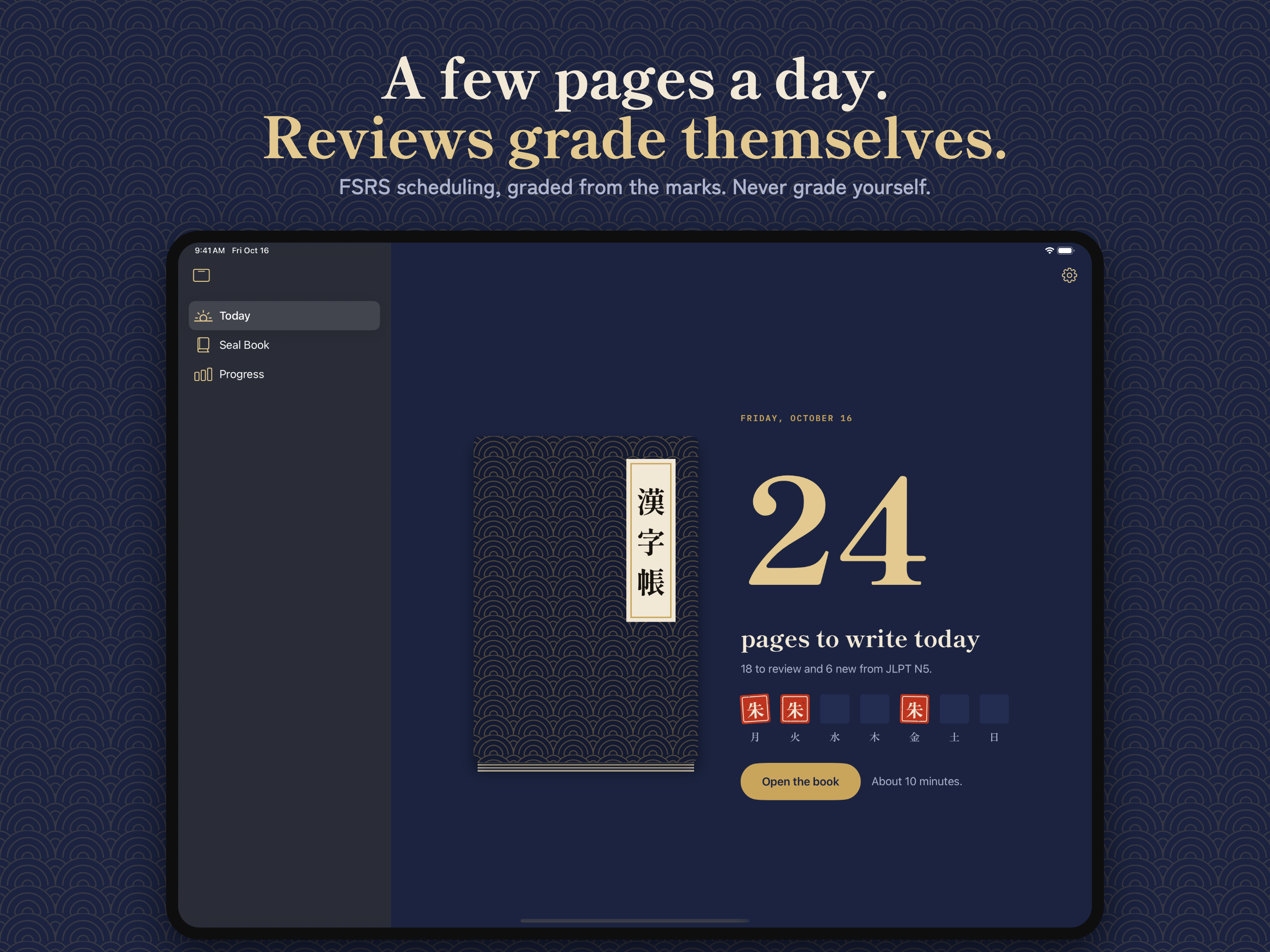
Reviews that grade themselves: FSRS spaced repetition, graded from the teacher's marks. JLPT N5 to N1 and all 2,136 Jōyō kanji.
Download the press kit (zip, 7 MB): icon, App Preview, full-size screenshots and the fact sheet.
App Preview
Fact sheet
- App name
- Shu: Write Kanji
- Developer
- Subomi Olagoke, independent
- Platform
- iPad, made for Apple Pencil (pressure, tilt, hover, squeeze). iPadOS 27 or later.
- Release
- Out now on the App Store (released 20 October 2026).
- Category
- Education. Rated 4+.
- Price
- Free. Shu Pro is $7.99 a month, $49.99 a year with a 7-day free trial, or $119.99 once.
- Free
- All hiragana and katakana, all of JLPT N5, unlimited reviews, both brushes, every strictness level, the full correction language and the seal book.
- Shu Pro adds
- JLPT N4 to N1 and all 2,136 Jōyō kanji, printable practice sheets, and your own decks.
- Privacy
- No account, no ads, no tracking. Everything stays on the iPad.
- Data
- Stroke data from KanjiVG by Ulrich Apel (CC BY-SA 3.0). Dictionary data from KANJIDIC and JMdict (EDRDG), used under its licence.
- Website
- shu-kanji.vercel.app
- Press contact
- solagoke21@gmail.com
Screenshots
The final App Store screenshots, iPad 13 inch. Tap one for the full-size PNG.
Icon
Story
Shu (朱) is the vermilion a Japanese teacher marks with. Most kanji apps check that you drew the right lines in the right order; Shu also reads how each stroke ends, from Apple Pencil's pressure and speed, which is what a calligraphy teacher actually corrects. It is made by one independent developer, with its own brush, grader and mark renderer, and no handwriting SDK.